Ever felt like you have a powerful message to share but struggle to create professional-quality videos? You’re not alone. InVideo AI is a revolutionary browser-based platform that turns your text prompts into fully produced videos, attracting over 25 million users across 190 countries with its powerful AI-driven features [1]. It’s designed to help you create everything from social media ads and explainer videos to full-length YouTube content, all without needing any video editing experience.
This guide will show you how InVideo AI works and why it might be the perfect solution for your video creation needs. You’ll discover its most powerful features, see how it compares to other tools, and get actionable tips to start creating videos that captivate your audience.
What is InVideo AI and Why Should You Care?
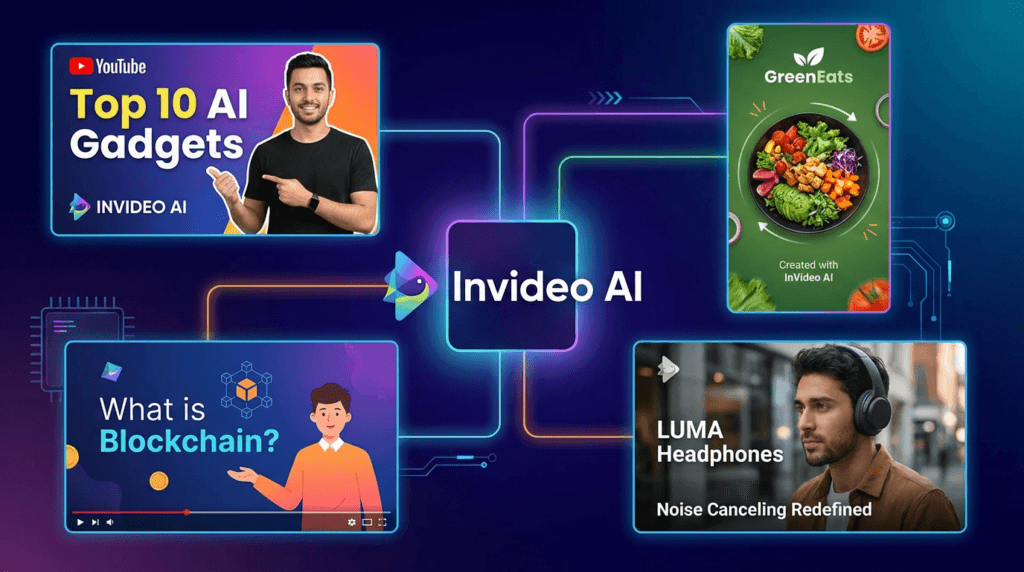
InVideo AI is an all-in-one video creation platform that uses artificial intelligence to turn your text prompts into fully produced videos. Think of it as a virtual video production team that handles everything from scriptwriting and scene creation to voiceovers and background music. Unlike traditional video editors that require you to manually piece everything together, InVideo AI automates the entire process, allowing you to create professional-quality videos in minutes.
So, why is it gaining so much traction? Because it democratizes video creation, making it accessible to everyone, regardless of their technical skills or budget. It empowers you to create high-quality videos at scale, saving you time and money.
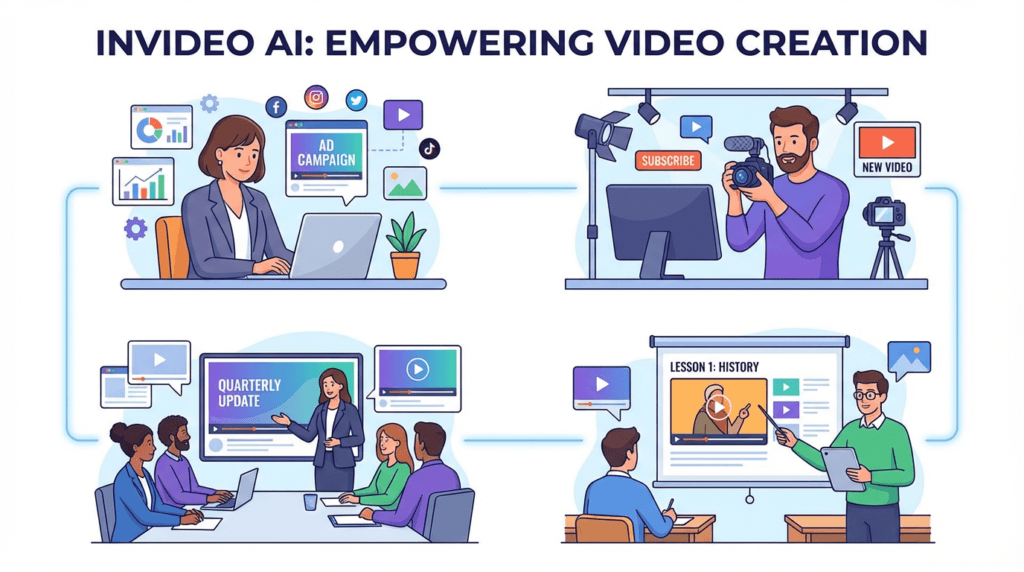
Traditionally, creating a single marketing video could take days or even weeks, involving scriptwriters, voice actors, and video editors. InVideo AI streamlines this entire workflow into a single, intuitive platform. For small business owners, this means you can create compelling video ads for your products without hiring a marketing agency. For content creators, it means you can produce engaging YouTube videos and social media content consistently, growing your audience and your brand.
“I used to spend half a day on a video. Now it’s 30 minutes. Sales doubled once I started creating all my content in Invideo.” – GLD T&C, Marketing Agency [2]

Best Practices: Getting the Most Out of InVideo AI
InVideo AI is packed with powerful features, but knowing which tool to use for your specific goal is key to working efficiently. Instead of a rigid step-by-step process, think of InVideo AI as a creative partner. The best approach is to match the right feature to the right task. This way, you can speed up your workflow and achieve professional results, whether you’re creating a quick social media ad or a detailed tutorial video.
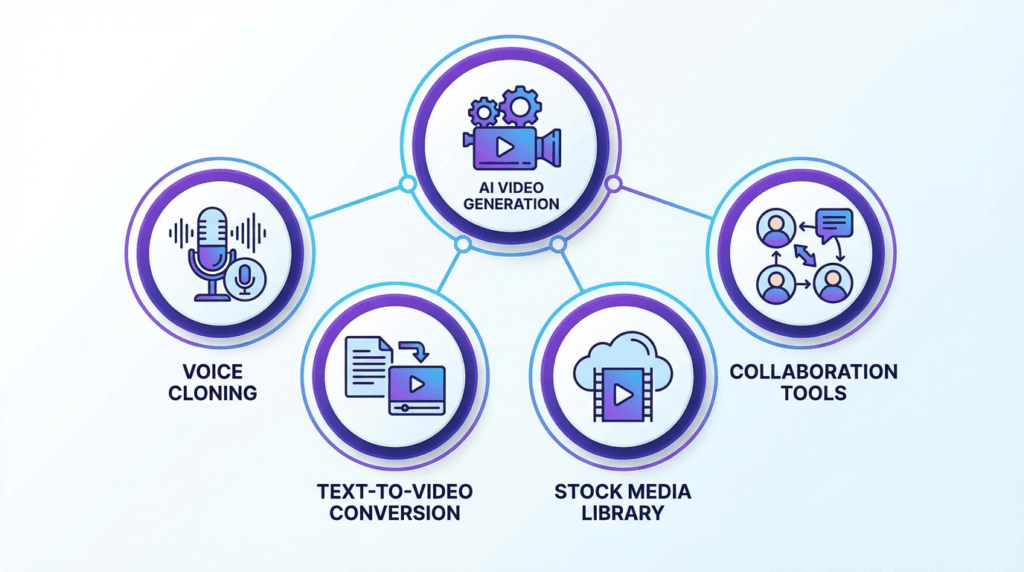
Here’s a breakdown of InVideo AI’s core features and the best way to use them based on your role and desired outcome.
| Feature | Who Should Use It (Roles) | For What Outcome |
| AI Video Generator | Content Creators, Marketers, Educators | To quickly generate complete videos from text prompts, including script, visuals, voiceover, and music. |
| Advanced AI Effects | Advertisers, Social Media Managers | To create eye-catching videos with cinematic effects like Drip Flip, Car Crash, and Hero Walk. |
| UGC & Avatars | E-commerce Brands, Marketing Agencies | To create authentic user-generated content style ads and use AI avatars for presentations and tutorials. |
| Voice Cloning | YouTubers, Corporate Trainers | To create a consistent brand voice across all video content by cloning your own voice for use in AI-generated voiceovers. |
| AI Colorist & Inpainting | Professional Video Editors, Filmmakers | To perform advanced color correction, remove unwanted objects, and refine video visuals with precision. |
| Template Library | Beginners, Small Business Owners | To kickstart video projects with thousands of professionally designed templates for various use cases. |
| Collaboration Tools | Marketing Teams, Design Agencies | To work together on video projects in real-time, share feedback, and manage brand assets in a shared workspace. |
Is InVideo AI Good for Beginners?
Absolutely. Its intuitive interface and AI-powered workflow make it one of the best platforms for beginners who want to create high-quality videos without a steep learning curve. The platform guides you through the entire process, from generating a script to selecting visuals and adding a voiceover. You don’t need any prior video editing experience to get started.
Can I Use My Own Voice in the Videos?
Yes! InVideo AI offers voice cloning capabilities, allowing you to create a digital replica of your own voice for use in your videos. This feature is perfect for creators and brands who want to maintain a consistent and personal touch across all their video content. You can record your voice directly in the platform, and the AI will generate a voiceover in your own voice for any script you provide.
How Does InVideo AI Compare to Other AI Video Generators?
InVideo AI stands out in a crowded market with its comprehensive feature set and ease of use. While many tools focus on a single aspect of video creation, InVideo AI offers an end-to-end solution. Here’s a quick comparison with some popular alternatives:
| Feature | InVideo AI | Pictory | Synthesia |
| Core Function | Text-to-video with AI script, visuals, and voiceover | Text-to-video from articles and scripts | AI avatar video generation |
| Best For | All-in-one video creation for marketers and creators | Turning long-form content into short videos | Corporate training and presentations |
| Voice Cloning | Yes | No | Yes (with custom avatars) |
| Stock Media | Extensive library (including iStock) | Yes | Limited |
| Pricing | Starts at $28/month | Starts at $19/month | Starts at $30/month |
Pros of InVideo AI:
- All-in-one platform: From script to final video, everything is in one place.
- Extensive stock media: Access to a massive library of images, videos, and music.
- Advanced AI features: Voice cloning, AI effects, and more.
- User-friendly interface: Easy for beginners to get started.
Cons of InVideo AI:
- Can be slow to render: Complex videos can take time to process.
- Limited control over AI: The AI makes a lot of creative decisions, which may not always align with your vision.
For more details, you can check out our other useful AI Tools articles!
Conclusion: Your Ultimate Video Creation Partner
InVideo AI has successfully established itself as a leader in the AI video generation space. By combining a powerful AI engine with an intuitive user interface and a massive library of assets, it empowers creators of all skill levels to produce high-quality videos at an unprecedented scale.
Whether you’re a marketer looking to create engaging video ads, a content creator aiming to grow your YouTube channel, or a business owner wanting to create professional training videos, InVideo AI provides the tools you need to succeed. It’s more than just a video editor; it’s a complete video creation ecosystem.
Ready to revolutionize your video creation process? Try InVideo AI for free today and see what you can create!
References
[1] InVideo. (2025). Invideo AI – Create videos without limits. Retrieved from https://invideo.io/
[2] InVideo. (2025). The right plans, for the right price. Retrieved from https://invideo.io/pricing/